Demo account guide
Binomo Demo Account: What to Check Before You Deposit
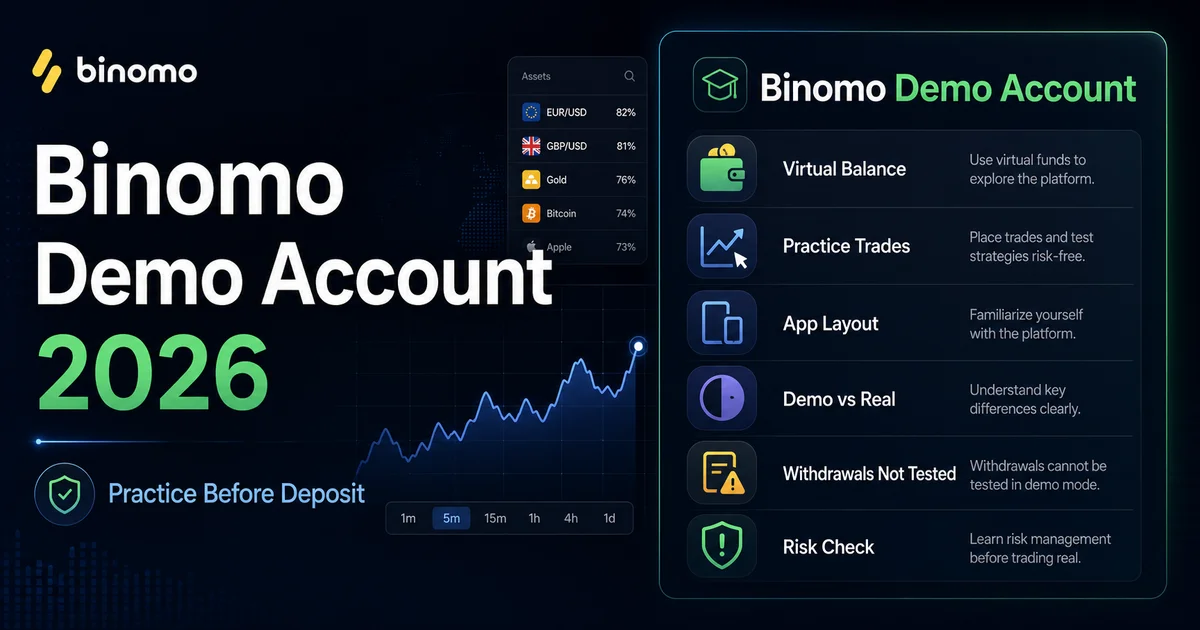
Before you deposit anything on Binomo, spend at least one proper session in demo. Not because a virtual win means much, but because the demo screen shows whether the app-style layout makes sense to you: where the chart is, how the stake field works, how expiry is selected and where the account controls sit. What it cannot show is just as important: withdrawals, verification, payment limits and the pressure of watching your own balance fall.

Binomo Demo in One Minute
Think of demo as a rehearsal for the interface, not a verdict on the broker. A useful session should leave you knowing where the core controls are and what still needs checking before a real account makes sense.
| Point | Short answer |
|---|---|
| Demo balance | Usually promoted as a $10,000 virtual practice balance. |
| Real deposit needed? | No for basic demo practice, but check the current registration rules. |
| Can you withdraw demo money? | No. Demo balance is virtual. |
| What it helps test | App layout, chart, stake field, expiry choice, payout display and account menu. |
| What it cannot test | Withdrawals, verification, payment limits, country restrictions or real-money pressure. |
| Best next step | Read the full Binomo review before any deposit. |
What You Can Safely Learn in Demo
The useful question is not “did the demo trade win?” The useful question is whether you can explain what you clicked and why. In one demo session, you should be able to point to the asset selector, stake field, expiry choice, payout line, trade confirmation and account menu without guessing.
That sounds basic, but it matters on an app-style platform. Binomo is quick to understand, and that speed is the exact reason a new user can start clicking too freely. If the demo makes you rush, the real account will probably make that worse.
Treat the first demo session like a checklist, not a game. Make one practice trade only after you know the asset you selected, the amount you entered, the expiry you chose and the payout line you saw before confirming. If you only remember that the trade was green or red, you did not learn enough from the session.
Where Demo Stops Helping
The demo account skips the parts that usually create real frustration. It will not process a withdrawal, ask for documents, verify a payment method, apply a country limit or show whether a bonus changes what you can withdraw later.
A smooth demo screen answers one narrow question: “Can I use this interface without getting lost?” The wider questions belong in the full Binomo review and the deposit and withdrawal guide, especially if you are close to adding real funds.
There is another limit most beginners underestimate: demo does not punish careless sizing. A $100 virtual trade feels harmless when the balance is virtual. The same habit with real funds can ruin a small account quickly. That is why the demo should be used to build boring habits: small position size, no chasing after a loss, and no decision made only because the interface makes it easy to click.
Binomo Demo vs Real Account
| Area | Demo account | Real account |
|---|---|---|
| Balance | Virtual practice funds. | Deposited funds. |
| Withdrawals | Not available. | Depend on account status, payment method and verification. |
| Emotions | Low pressure. | Real loss pressure. |
| Verification | Usually not tested. | May be required before withdrawals or account changes. |
| Bonus terms | Not the main issue. | Can affect account flexibility or withdrawal conditions. |
| Best use | Learn the interface. | Only after reading terms and keeping the first account small. |
A Practical Demo Check Before Any Deposit
This is not a trading strategy. Use demo to slow the first deposit decision down. Open the platform, make a few small practice trades, then stop and ask whether you understood the screen or simply followed the buttons.
The first pass should cover the asset selector, stake field, expiry choice and payout line. Then look for the account area, payment section and any wording around verification. If those areas are hard to find in a calm practice session, they will not feel clearer after a deposit.
Practical rule: do not move to a real account after one good virtual run. Move only when you can explain the platform controls, the account rules and the reason you would keep the first deposit small.
What to Check on the Screen
Most demo guides explain the difference between practice and real accounts, but the useful check is more practical: on Binomo, start with the trade ticket and finish with the account menu.
- Asset selector: make sure you know what market or instrument you selected before the trade.
- Stake field: check how quickly you can change trade size and whether that makes you tempted to increase it too fast.
- Expiry choice: understand exactly when the result will be decided.
- Payout line: look at the current displayed rate before each practice trade instead of assuming one fixed number.
- Account area: find where deposits, withdrawals, verification and bonus information would be checked later.
If you cannot find these areas without rushing, stay in demo. The point is not to become comfortable with clicking. The point is to become uncomfortable with anything you do not understand yet.
Common Binomo Demo Mistakes
A demo account can teach the screen. It cannot teach what losing your own money feels like. The biggest mistake is taking a few virtual wins as a sign that you are ready to deposit.
Stay on demo if you keep increasing stake size after a loss, if you do not understand expiry timing, or if a bonus or tournament is the main reason you want to register. Those are not small warning signs; they are exactly the habits that make an app-style platform dangerous for beginners.
Another mistake is using demo with a balance size you would never have in real life. If your real first deposit would be small, practice like that. A virtual $10,000 balance can be useful for access, but it can also make the session feel less serious than it should.
Before You Leave Demo
This page explains demo use. It does not replace the full Binomo review, because the real decision is about trust as much as interface: regulation, complaints, withdrawals, verification, bonuses and tournament risk.
Demo can make Binomo feel simple. The review explains why simple is not the same as low-risk.
The cleanest path is slow: demo first, full review second, payment and withdrawal rules third, and only then a decision about whether a tiny first deposit is worth the risk. If that sounds too cautious, that is exactly why demo exists.
Open Demo Only After Reading the Rules
Use the demo to check the screen first. Only then read the current account rules and decide whether a real deposit makes sense.
Open Binomo DemoSponsored link. Use demo first and read account, bonus and withdrawal rules before depositing.
Read Next
Binomo Demo Account FAQ
Yes. Binomo offers a demo account for platform practice with virtual funds. The useful part is not the virtual balance itself; it is the chance to learn the chart, stake field, expiry choice, payout display and account menu before money is involved.
Binomo commonly promotes a $10,000 virtual demo balance. Treat it as practice money only. You cannot withdraw it, and a large virtual balance can create bad habits if you use stake sizes you would never use with your own deposit.
No. Demo money is virtual and cannot be withdrawn. Real withdrawals are a separate issue and depend on payment method, verification, country access and the broker’s current rules.
No. The screen may look similar, but the pressure is different. Demo can help you learn the interface; it cannot show how you will react when your own balance is falling or when account checks appear before a withdrawal.
Check that you understand the platform controls, then read the withdrawal, verification and bonus terms. If you still cannot explain the account rules, or if the demo makes you overtrade, stay on demo.
No. Demo is enough to judge whether the interface feels usable. It is not enough to judge trust, regulation, complaints, payment routes or withdrawal reliability. For that, use the full Binomo review and payment guide.